

.svg)
.svg)
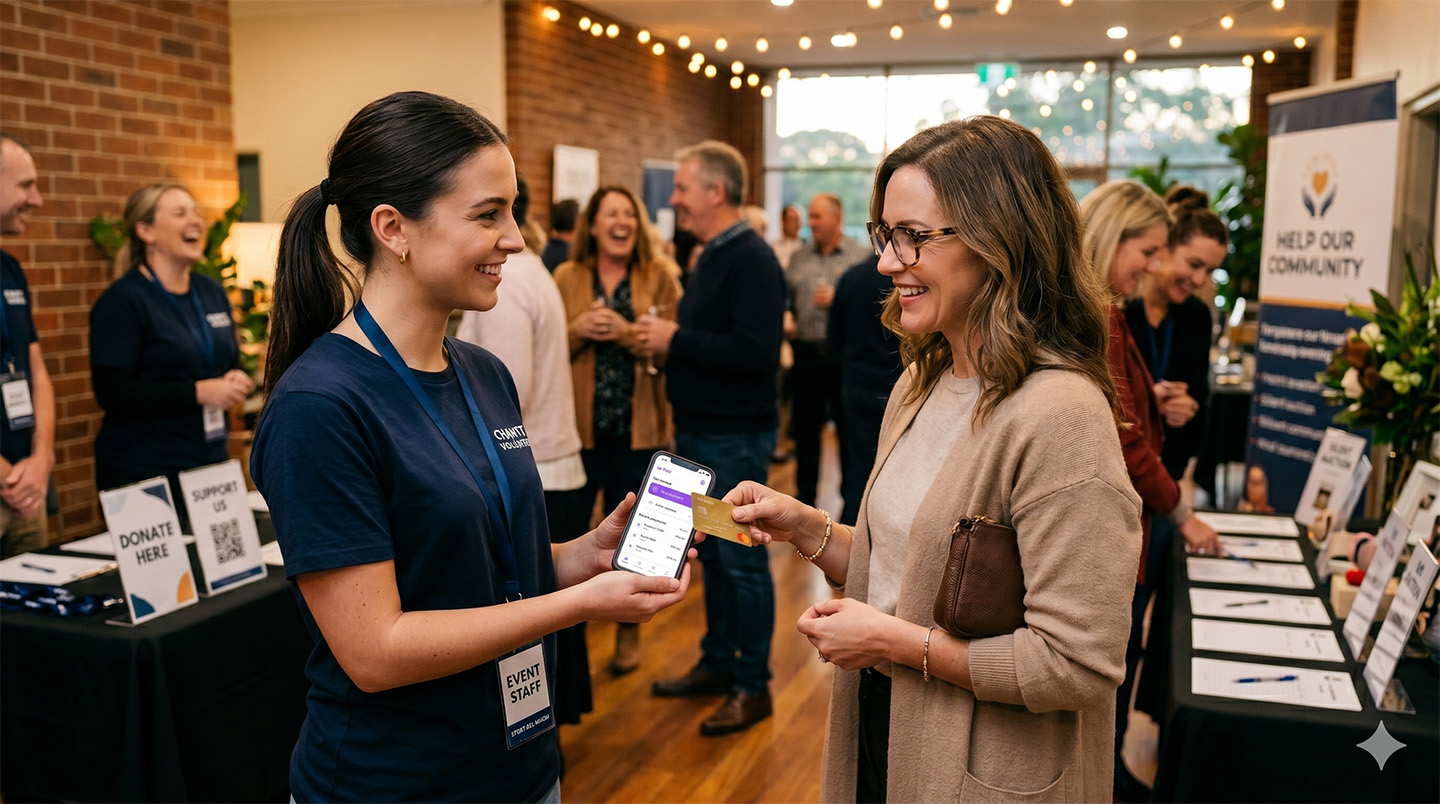
Anyone who has run a stall, a bar, or a merchandise tent at a busy event knows the real constraint isn't demand. It's throughput. When a few hundred people all want to pay in the same fifteen-minute window between sets, the question stops being "do customers want to buy?" and becomes "how many of my staff can actually take a payment right now?" For event operators, festival vendors, conference organisers and pop-up retailers across Australia, that question is the difference between a great trading day and a queue that walks away.
The traditional answer was to rent a fleet of card terminals — one per till, charged per day, configured in advance and couriered back when the event wraps. It works, but it's expensive, inflexible and slow to scale. If a second bar gets slammed, you can't conjure another terminal out of thin air. A modern event payment system in Australia works the other way around: instead of bolting hardware onto your team, you turn the phones your team already carry into the payment infrastructure.
Why events are a team problem, not a terminal problem
Events are unusual in payments because the work is bursty, distributed and staffed by people who change from one day to the next. You might have five people on Friday and twenty-five on Saturday. Some are permanent staff, some are casuals, some are contracted vendors operating under your banner. A payment setup built around fixed terminals assumes a fixed, predictable counter. Events are neither.
This is where Tap to Pay on smartphones — sometimes called SoftPOS — changes the maths. Any compatible iPhone or Android becomes a contactless card reader that accepts a tapped card, phone or watch in seconds, with no extra hardware to buy or rent. If you want to understand how a phone becomes a terminal, we covered the mechanics in our guide to turning your phone into a payment terminal. The practical upshot for an event is simple: onboarding a new staff member to take payments is a download, not a hardware order.
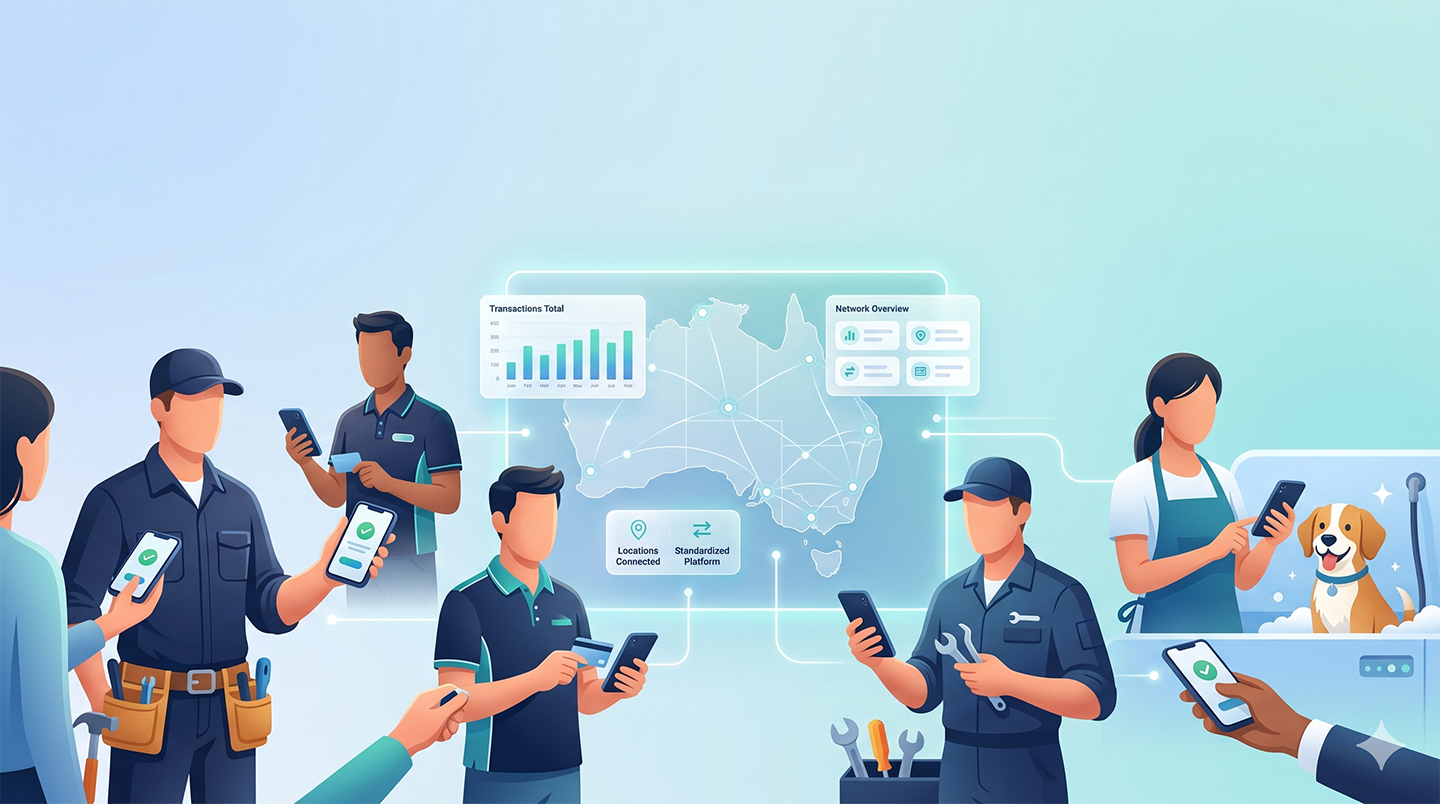
But accepting a tap on one phone is only half the story. The harder problem at scale is visibility. When twenty-five people are taking money across six locations, an organiser needs to see it as one operation — total takings, takings per stall, takings per staff member — not as twenty-five disconnected card machines you reconcile by hand at midnight. This is the part most people underestimate, and it's where the difference between a payment app and genuine payment infrastructure shows up.
Infrastructure for teams, not just a way to tap
Pebl was built as mobile payment infrastructure for teams, events and multi-location organisations. Tap to Pay, QR codes, payment links and PayID are features of that platform — not the product itself. The product is the ability to run an entire team's payments as a single, visible system: every staff member working under one account, every transaction rolling up to one real-time view, and access that you can grant or revoke per person as your roster changes through the weekend.
That distinction matters because Pebl came from payments into software, rather than building a software product and adding payments later. For an event operator, that shows up as fewer surprises: settlement, reconciliation and team management are designed around how money actually moves, which is exactly what you want when you're closing out a long trading day and need the numbers to simply add up.
Choosing the right payment method for each moment
Events rarely need just one way to take money. A good setup matches the method to the moment, and it's worth being precise about what each one actually does to your costs.
- Tap to Pay is your front line for in-person sales — fast, familiar and frictionless when a queue is building.
- QR codes and payment links are excellent operational tools for self-serve ordering, table signage, pre-orders and SMS-ed invoices. It's important to be clear-eyed here: these are still card-based transactions, so card interchange and processing costs continue to apply. They speed up your operation; they don't avoid card fees.
- PayID is the one method that genuinely sidesteps the card networks. It runs on the New Payments Platform, moving money account-to-account in real time and carrying no card interchange fee. That makes it a strong fit for vendor deposits, stallholder fees, bulk pre-orders and larger B2B settlements around an event. We explain the model in more detail in our piece on account-to-account and contactless payments with Pebl.
Why the cost question got sharper in 2026
There's a regulatory reason event operators should be thinking harder about payment efficiency this year. From 1 October 2026, the Reserve Bank of Australia is removing surcharging on eftpos, Mastercard and Visa payments and lowering interchange caps. In plain terms, you will no longer be able to pass card-acceptance costs on to your customers as a separate surcharge — those costs have to be absorbed into your pricing or your margin.
For a high-volume, thin-margin event trading environment, that reframes everything. If you can't bill the card cost to the customer, then the cost of your payment setup — terminal rental, per-transaction rates, the staff time lost to reconciliation — comes straight off your bottom line. A system with no hardware to rent, transparent per-transaction pricing, and a low-cost PayID rail for the payments that don't need a card suddenly looks less like a convenience and more like a margin decision.
Setting your event team up to take payments
The operational checklist for a well-run event payment setup is short. Decide which staff and vendors need to accept payments and add them to one account. Make sure each has Tap to Pay ready on their own device, with QR codes and payment links printed or pre-built for the self-serve and pre-order moments. Use PayID for the deposits and vendor settlements where a card adds cost for no benefit. And agree before the gates open on who watches the live takings view, so you can move staff to wherever the queue is forming.
Done well, the payment layer disappears into the background and the event runs on it — which is the whole point of infrastructure. Your team spends its energy serving customers, not wrestling terminals, and you finish the day with one clean set of numbers instead of a shoebox of receipts.
If you're planning an event, market, festival or pop-up this season, you can set up your whole team to take payments on the phones they already carry. Get started with Pebl and see how mobile payment infrastructure built for teams handles your busiest trading day.